
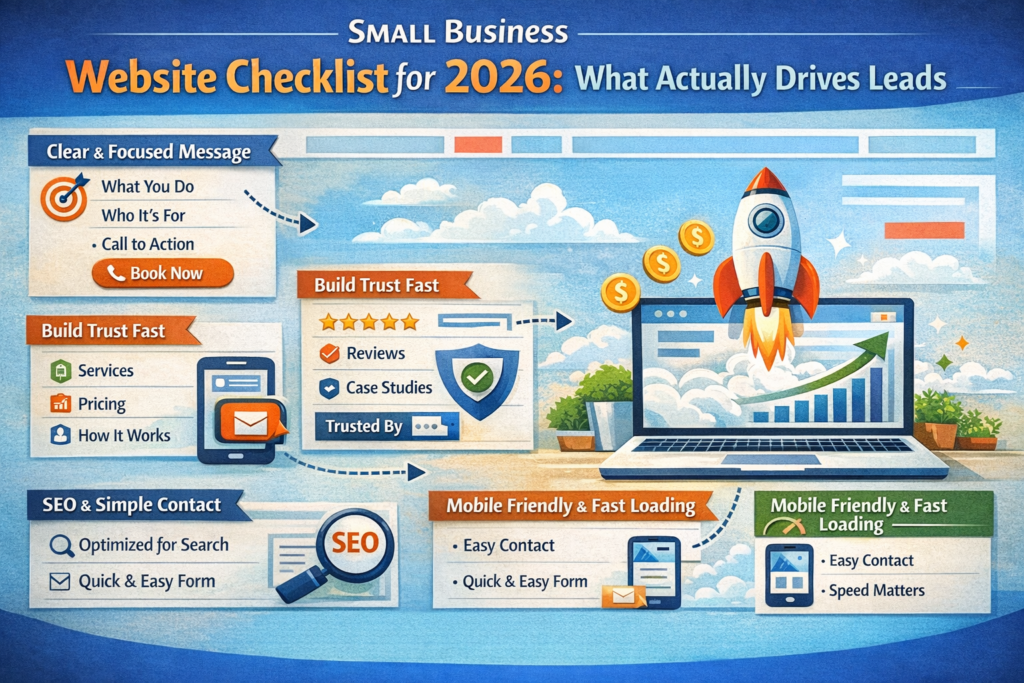
In 2026, a “nice-looking website” is not a competitive advantage. Your site has to do two jobs at once: build trust fast and guide visitors to a clear next step. If it doesn’t, people bounce—no matter how good your service is.
At WebLaunch Creators, we build websites for small businesses that are designed to convert. Here’s the checklist we use when we create or rebuild a site that’s supposed to bring real inquiries, bookings, and sales.
Start with clarity: one message, one primary action
Most small business websites try to say everything. That’s the fastest way to say nothing. The first screen should answer three questions immediately: what you do, who it’s for, and what the visitor should do next.
Pick one primary action for the homepage—call, book, request a quote, or get a consultation. Everything on the page should support that one step. Secondary actions can exist, but they shouldn’t compete with the main goal.
Build pages around how customers decide
People don’t read your site like a brochure. They scan it like a decision page. The structure should match their mental flow: “Is this for me?” → “Can I trust them?” → “What will it cost?” → “What happens next?”
That usually means:
- a services section with clear outcomes, not vague labels
- proof (reviews, logos, before/after, case studies)
- a simple process description (what happens after they contact you)
- a frictionless contact path (short form + clear response expectation)
When the page order matches how people decide, conversions rise without “tricks.”
Make mobile feel effortless
Most small business traffic is mobile-first. If your site is hard to use on a phone, you’ll lose leads without realizing it. Mobile UX isn’t just “responsive.” It’s readable text, comfortable spacing, buttons that are easy to tap, and a layout that doesn’t feel crowded.
Your contact action should be obvious on mobile—ideally a button that stays easy to find, and a form that doesn’t feel like homework.
Speed is trust
Speed is not a technical detail—it’s part of brand perception. A slow site makes your business feel less modern, less reliable, and less premium. Lightweight layouts, optimized images, and clean structure are often the difference between “looks great” and “feels great.”
A fast site also supports SEO and reduces paid traffic waste. If you’re buying clicks, speed is part of ROI.
Add SEO basics early, not later
SEO doesn’t start with blog posts. It starts with structure. A small business site can rank surprisingly well if the foundation is done right: clear page titles, correct heading hierarchy, service pages that match search intent, and consistent location signals where relevant.
You don’t need “SEO magic.” You need pages that clearly describe what you do, where you do it, and why someone should choose you.
Make the contact step feel safe
People hesitate to submit forms when they’re unsure what happens next. A small line of reassurance can dramatically improve form completion: when you respond, how fast, and what the next step will be.
A contact form should ask only what you need to start the conversation. If you ask for too much too early, you’ll get fewer leads—especially on mobile.